OpenFDA Query Builder
https://api.fda.gov/drug/event.json
openfda.generic_name
patient.reactionmeddrapt.term
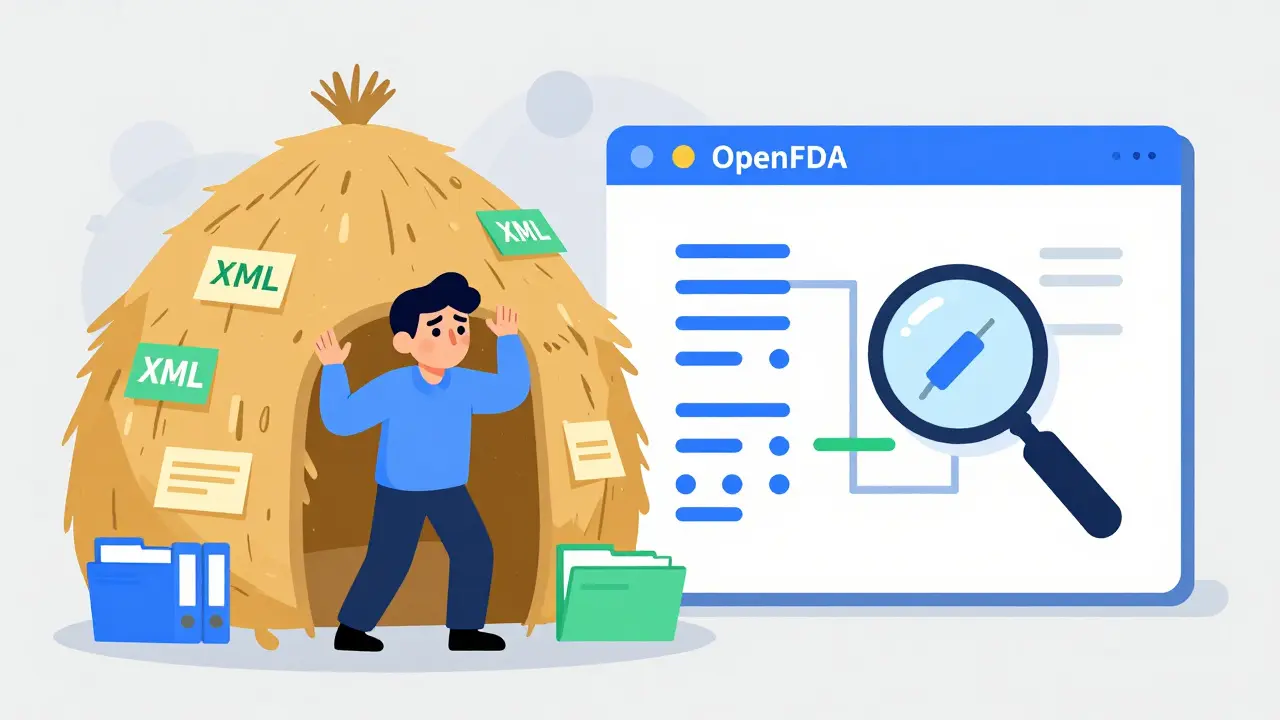
Imagine trying to find a needle in a haystack, but the haystack is made of millions of medical reports written in complex XML code. That was the reality for researchers and developers before the U.S. Food and Drug Administration launched OpenFDA, an initiative designed to make public health data accessible to everyone. Today, you don't need to be a data scientist with a supercomputer to analyze drug safety trends. With the right tools, you can pull side effect reports directly from the FDA’s servers using simple API calls. This guide will show you how to navigate the OpenFDA platform, connect it to the FAERS database (FDA Adverse Event Reporting System), and extract meaningful signals about medication safety without getting lost in technical jargon.
Understanding the Core Entities: OpenFDA vs. FAERS
To use these tools effectively, you first need to understand what they are and how they relate to each other. Many people confuse the two, but they serve different purposes in the world of pharmacovigilance.
FAERS is the actual database where healthcare professionals and patients submit reports of adverse events and medication errors. It contains raw, unprocessed data that has been collected since the early 1960s. Think of FAERS as the library's archive room-full of valuable information but difficult to browse because everything is stored in bulky, outdated formats like XML files.
OpenFDA, on the other hand, is the modern interface that lets you search that archive. Launched in June 2014, OpenFDA is not a separate database. Instead, it is an application programming interface (API) built on top of existing FDA datasets. It uses Elasticsearch, a powerful search engine technology, to index and organize this data into developer-friendly JSON format. When you query OpenFDA, you are essentially asking Elasticsearch to sift through the FAERS records and return only the specific pieces of information you requested.
| Feature | Direct FAERS Download | OpenFDA API |
|---|---|---|
| Data Format | XML (Complex, requires parsing) | JSON (Easy to read, web-ready) |
| Access Method | Manual file download | Real-time HTTP requests |
| Search Capability | None (must process locally) | Advanced filtering via queries |
| Cost | Free | Free (with rate limits) |
| Technical Skill Required | High (Data engineering) | Medium (Basic coding/API knowledge) |
Getting Started: Authentication and Rate Limits
Before you can start pulling data, you need to get your access credentials. The OpenFDA platform is free to use, but it enforces strict rate limits to prevent server overload. If you try to make too many requests too quickly, your IP address will be blocked temporarily.
Without an API key, you are limited to just 1,000 requests per day. For serious analysis, this is barely enough to get started. To unlock higher limits, you should register for an API key at open.fda.gov/apis/authentication/. Once registered, your limits increase to 240 requests per minute and 120,000 requests per day. This is a massive difference if you are processing large datasets or building an application that needs frequent updates.
When making your API calls, you must include your key in the header or as a query parameter. Most programming languages have libraries that handle this automatically. For example, if you are using Python, you would typically pass the key when initializing your request object. If you are using R, the openFDA package allows you to set the key once using the set_api_key() function, and it handles throttling for you. This saves you from writing complex error-handling code to manage delays between requests.
Constructing Your First Query
The heart of OpenFDA is its query syntax. Because it runs on Elasticsearch, you don't use standard SQL commands. Instead, you use a field-based syntax that looks like this: field:value. Let’s break down how to build a practical query for side effect data.
All drug-related adverse event data lives under the drug/event endpoint. Here is the base URL structure:
https://api.fda.gov/drug/event.json?search=...
Suppose you want to find all reports involving the generic drug ibuprofen. You would target the openfda.generic_name field. Your query would look like this:
search=openfda.generic_name:"ibuprofen"
You can combine multiple conditions using boolean logic. For instance, if you want to see reports where ibuprofen caused dizziness, you need to add another condition targeting the patient.reactionmeddrapt.term field. Note that reaction terms are coded using MedDRA (Medical Dictionary for Regulatory Activities), which is a standardized terminology system used globally for reporting adverse events.
Your combined query becomes:
search=openfda.generic_name:"ibuprofen"+AND+patient.reactionmeddrapt.term:"dizziness"
By default, the API returns only 100 results. To get more, you use the limit parameter. However, there is a hard cap of 1,000 results per single request. If you need more than that, you must use pagination with the skip parameter. For example, skip=1000&limit=1000 would give you the next batch of results.

Decoding the Response Fields
When the API returns data, it comes in a structured JSON format. Understanding these fields is crucial for accurate analysis. Here are the most important entities you will encounter:
- patient.drug.indication: Why the patient was taking the drug (e.g., "pain", "headache"). This helps distinguish between side effects and underlying conditions.
- patient.reactionmeddrapt.term: The reported adverse event, mapped to MedDRA codes. This ensures consistency across different reports.
- patient.outcome.fatal: A boolean value indicating if the outcome was fatal. Critical for severity analysis.
- receivedate: The date the FDA received the report. Keep in mind this is not necessarily the date the event occurred.
- serious: Indicates whether the event was classified as serious (resulting in hospitalization, disability, etc.).
One common mistake beginners make is ignoring the primarysuspect flag within the drug section. Not every drug listed in a report is considered the cause of the side effect by the reporter. Filtering for drug.primarysuspect:true ensures you are analyzing drugs that were actually suspected of causing the harm, rather than just medications the patient happened to be taking.
Detecting Safety Signals
Simply counting reports isn’t enough to determine if a drug is unsafe. You need to detect "signals," which are patterns suggesting a potential causal relationship between a drug and an adverse event. This is where statistical methods come into play.
A basic approach is calculating the Proportional Reporting Ratio (PRR). This compares the proportion of a specific side effect for a given drug against the proportion of that same side effect across all drugs in the database. If ibuprofen accounts for 5% of all dizziness reports but only 1% of all drug reports, that’s a potential signal worth investigating further.
However, OpenFDA does not provide pre-calculated signals. You must perform this analysis yourself after downloading the data. This is why many researchers use Python libraries like pandas or R packages like openFDA to aggregate the JSON responses and run statistical tests. Remember, correlation does not equal causation. A high PRR might simply reflect that a drug is widely prescribed, leading to more reports overall.

Common Pitfalls and Limitations
While OpenFDA is a powerful tool, it has significant limitations that you must account for in your work.
- Data Timeliness: There is often a lag of several weeks to months between when a report is submitted to FAERS and when it appears in OpenFDA. Do not rely on this data for real-time crisis monitoring.
- No Patient Identifiers: All personal health information is stripped out to protect privacy. This means you cannot track individual patients over time or verify if the same person filed multiple reports.
- Underreporting: FAERS captures only a fraction of actual adverse events. Most side effects are never reported. Therefore, absence of evidence is not evidence of absence.
- Duplicate Reports: The same event may be reported multiple times by different sources (doctors, hospitals, patients). You may need to deduplicate your dataset based on case IDs.
The FDA explicitly warns users: "Do not rely on openFDA to make decisions regarding medical care." This data is intended for research and trend analysis, not clinical decision-making. Always consult official prescribing information and speak with a healthcare provider for medical advice.
Practical Implementation Example
Let’s walk through a simple Python script to fetch recent reports for a specific drug. This example assumes you have installed the requests library.
import requests

api_key = 'YOUR_API_KEY_HERE'
drug_name = 'acetaminophen'
side_effect = 'liver injury'

url = f'https://api.fda.gov/drug/event.json'
params = {
    'search': f'openfda.generic_name:"{drug_name}" AND patient.reactionmeddrapt.term:"{side_effect}"',
    'limit': 100,
    'skip': 0
}
headers = {'X-Api-Key': api_key}

response = requests.get(url, params=params, headers=headers)
data = response.json()

if 'results' in data:
    print(f"Found {len(data['results'])} reports.")
    for report in data['results'][:3]: # Show first 3
        print(report.get('patient', {}).get('serious', 'Unknown'))
else:
    print("No data found or error occurred.")
This script demonstrates the core workflow: defining parameters, sending the request with authentication, and parsing the JSON response. From here, you can expand the logic to handle pagination, save results to a CSV file, or feed them into a visualization tool like Tableau or Power BI.
Is OpenFDA data suitable for clinical diagnosis?
No. OpenFDA provides aggregated, de-identified adverse event reports for research purposes only. It lacks clinical context, patient history, and verification. Never use it to diagnose or treat individual patients. Always consult official medical guidelines and healthcare professionals.
How often is the FAERS data updated in OpenFDA?
The FDA updates the OpenFDA dataset regularly, but there is typically a delay of several weeks to a few months compared to direct FAERS submissions. This lag occurs due to data cleaning, validation, and indexing processes required to load the data into Elasticsearch.
Can I access device or food safety data through OpenFDA?
Yes. While drug adverse events are the most popular use case, OpenFDA also provides endpoints for medical devices (device/event), food recalls (food/enforcement), and tobacco product problems. Each category has its own specific query fields and data structures.
What is MedDRA and why is it used in OpenFDA?
MedDRA (Medical Dictionary for Regulatory Activities) is a global standard terminology for coding adverse events. It allows regulators and researchers to group similar symptoms (e.g., "headache" and "migraine") under broader categories. OpenFDA uses MedDRA codes to ensure consistency and enable accurate statistical analysis across millions of diverse reports.
Why am I getting a "Rate Limit Exceeded" error?
This happens when you exceed the allowed number of requests per minute or day. Without an API key, the limit is very low (1,000/day). Register for a free API key to increase your limit to 240 requests/minute. Also, implement exponential backoff in your code to pause and retry if you hit a limit.
 Medications